
"Generals always prepare to fight the last war, especially if they had won it." — commonly attributed to French statesman Georges Clemenceau[^1]
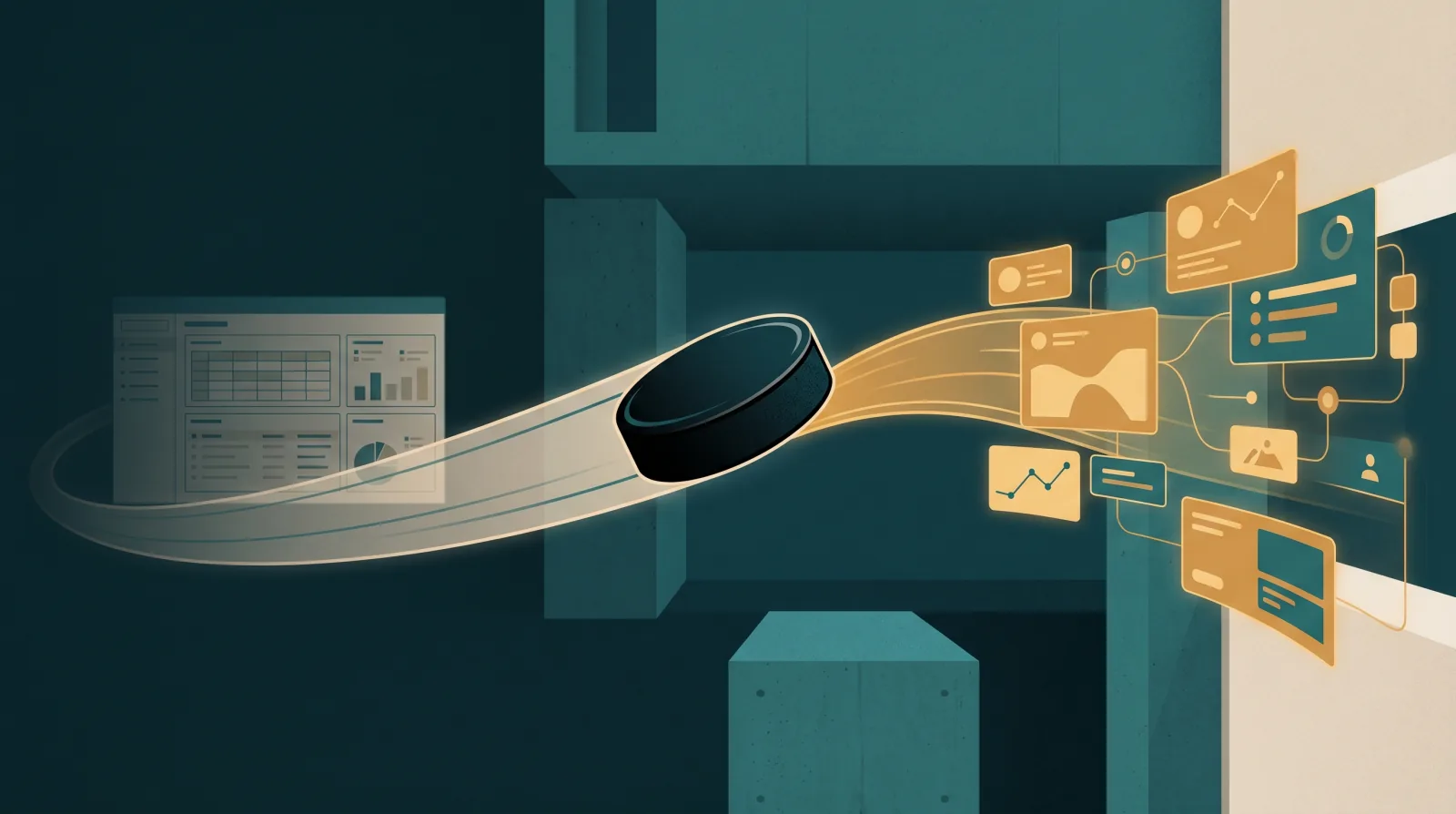
Everyone out here vibe-coding the next Roofing CRM, but that is skating to where the puck has been, not where it is going.
Here's three lessons from the last 72 hours, and what the final destination actually looks like for CRM. In words everyone can understand.
What I personally witnessed in the last 72 hours
1. The roofer-turned-tech-founder
A roofer claiming to have built the next great thing, and just wants someone else (like us) to take it to market and get roofers on it.
There is a big difference between the thing you crafted with love for you and your business with 3–5–10 employees that trust you... and bringing it to market for 50 companies who "just want the solution."
I fight this fight every day, with tech founders that have tens of millions of dollars in investment and huge development and product teams and customer success teams. Even they go to market with something that isn't completely complete and needs completion from in-market testing that is unpredictable.
2. The tech VC guy with roofing in the family
A tech VC guy who came into roofing, with family that owned a roofing company. He built a lot of his own stuff, and arguably was earlier than most. He knows the business of tech and VC and product management to a degree from just playing at that level.
If anyone would likely be able to get something like that off the ground, it would be him.
He himself is pivoting to infrastructure + AI, not building his own infrastructure.
3. The "more serious" CRM launch
There was a "more serious" launch of a roofer CRM that probably has some legs, but it carries with it the primary lesson of this post. It's hard to tell the difference between that and something you could make in a weekend.
The website has UI/UX issues. Popups that you can't close. The screenshots of dashboards are AI-generated with spelling errors and the typical AI text-diffusion artifacts where words are wrong. At a glance it's both dishonest and hard for roofers to tell the difference... but ultimately, even if the software is great. (It usually is, at least for the founder.)
It all skates backwards
Building weapons for the last war is how you lose the next one.
What you're actually going to see going forward is not all that far from Tony Stark in his Jarvis workstation — the one where he waves at a hologram and a 3D engine schematic resolves itself in front of him. We're a long way away from the holographic desk and the robotic prosthetic battle-suit.
But what Tony Stark actually has in that scene is, and has been, already defined. It's called generative UI.
Essentially, depending on:
- the problem,
- the task,
- the role, and
- the current state,
...a user interface generates dynamically to solve what the user is working on.
Google has a name for it. They call it A2UI, which basically means Agent-to-User-Interface. There are some really cool open-source projects in this space — CopilotKit and OpenUI being the two worth bookmarking.
The Claude vs. Codex "super-app" split — and why both still leave you driving
This is in many ways the argument behind the Claude and Codex super-app concept that's playing out right now.
Claude is taking the approach of having a browser with a bunch of tabs across the top, and in a tab or a group of tabs you'd have an AI beside it, inside it, something like that. Codex is taking the opposite approach — you have a bunch of AI tasks down the left, and inside each of those tasks you have a browser.
One is a browser with AI inside. The other is AI with a browser inside.
Both of those are a middle ground that still leaves you as the driver with a co-pilot. Useful. Productive. But they don't quite get into the agentic layer in a meaningful way.
It's what people are ready for today. If you really want to think in decades, not days, what you're going to want to plan for is a world where the user interface starts to disappear.
You're not going to open software with a bunch of modules on the left or along the top.
Today, inside those modules, you have UI specific to the module:
- an estimates module
- a pictures module
- an invoices module
- an A/R module
- an inventory module
- a deals Kanban board
- a contact list
And then it's your job to employ people who pay a context-switching toggle tax of jumping between modules — and to make matters worse, multiple softwares with multiple modules with multiple tabs that they're switching back and forth between, all day.
The goal is to get back to one screen where the user interface and the user experience adapt to the problem you're trying to solve and the work you're trying to do. The agentic layer lives underneath all of that and serves the human user as a person-in-the-loop, with live artifacts.
You might think of this as like Tony Stark. You might have the weather on the install calendar, and the install counter filters by the weather, and you can see both the weather and the install counter at the same time. That doesn't live as a module you click on. It's just you talking to the agent about the problem you're trying to solve or the outcome you're trying to drive. An agent delivers you the custom user interface you need to solve the problem, and pulls the data from a single brain concept that understands the current state of the business. When you tell it to do things, it knows the business primitives and the tacit knowledge you know, so it can take action on your behalf without you having to click all the buttons.
This is the future I am rowing toward.
Because who doesn't look at Jarvis and wish they had it?
Tony just had unlimited tokens, lol.
Reference: What is generative UI?
Generative UI is the practice of letting an AI agent decide what appears on the screen — not just the words inside a chat bubble, but the entire interface around them. Vercel's AI SDK team defines it as "the process of allowing a large language model to go beyond text and 'generate UI'." CopilotKit puts it more bluntly: generative UI is "any user interface that is partially or fully produced by an AI agent, rather than authored exclusively by human designers and developers."
The agent emits a structured description of what should be on the screen — a button, a dashboard, a quote builder, a route map. The client application renders it natively using its own components. The interface adapts to the problem the user is actually trying to solve, not the screen the developer hard-coded six months ago.
In December 2025, Google open-sourced A2UI — the Agent-to-User-Interface protocol — for exactly this reason. As Google's announcement puts it: "We are entering the era of the multi-agent mesh. Agents from Google are talking to agents from Cisco, IBM, SAP, and Salesforce to solve complex tasks." In that world, the agent doing the work is often remote — running on a different server, owned by a different organization. It cannot touch the user's screen directly. It has to send a message that the screen knows how to render.
A2UI is one of three serious specs in the space today, alongside OpenUI and Vercel's json-render. CopilotKit's runtime works across all of them — they treat generative UI as a spectrum from "controlled" (human-authored components the agent picks from) to "open-ended" (the agent generates the surface itself).
Why does this matter to a roofing CRM?
Because the interface stops being the product. The agent becomes the product, and the interface is the runtime output. A salesperson's screen looks different from a production manager's screen, looks different from the owner's screen — not because someone built three apps, but because one agent generated three surfaces from the same underlying business state.
How is this different from a "chatbot in the CRM"?
A chatbot answers questions. A generative-UI agent builds the screen the user needs to make a decision. The chatbot in your CRM today is a sidebar. Generative UI is the whole window.
Is the Claude or Codex super-app the same thing?
No. Both are a browser-and-AI sandwich, in different orientations. Both leave the human as the driver, clicking between tabs and tasks. Generative UI is what comes after that — the moment the modules go away, the agent runs underneath, and the interface only exists for as long as the problem in front of you exists.
Will roofing software vendors adopt this in 2026?
Probably not the incumbents. They'll bolt a chatbot onto the existing app and call it "AI-powered." The bet that matters is on the new builders who skip the legacy screen layer entirely and ship agent-first products on a generative-UI runtime.
Is this just another framework?
No. A2UI is a protocol, not a framework. It defines a JSON message format for agents to describe UIs and a way for any client (Angular, React, Flutter, native iOS) to render them. CopilotKit and OpenUI are libraries that implement parts of this pattern. The protocol survives any single library.
Where can a roofing owner read more without becoming an engineer?
Start with Google's announcement post — it's written for product leaders, not researchers. Then look at the A2UI project site for the high-level picture, and CopilotKit's generative UI overview for how the pieces fit together in practice.
How to tell if a roofing CRM is built for the last war
A field checklist. Five steps. Run them before you sign anything.
Step 1: Look at the demo screenshots for spelling errors
AI-generated dashboard screenshots show "Pipeilne" instead of "Pipeline," or the legend on a chart spells "Reveune." That's text diffusion — the model invented an image that looks like a UI but isn't a real one. If the marketing site shows fake screenshots, the working product probably doesn't look much better.
Step 2: Try to close every popup
A serious product has working close buttons on every modal, every cookie banner, every "book a demo" overlay. If you can't close it without refreshing the page, that's a one-person team that hasn't gotten to polish yet. Polish is the difference between a weekend project and a product.
Step 3: Ask whether the UI changes by role
A last-war CRM has one giant screen for every user. An owner, a salesperson, a production manager, and a CSR all stare at the same tabs, the same fields, and most of them are irrelevant to the job they're doing. A next-war CRM generates the surface the user needs — fewer fields, the right buttons, the next action surfaced.
Step 4: Ask the founder what they're betting on for the next 24 months
Listen for infrastructure + AI answers, not more features answers. Founders who can describe how their product will compose with other agents and other surfaces are skating to where the puck is going. Founders who can only describe new modules are skating to where it's been.
Step 5: Look at who they hire
A team hiring senior front-end engineers in mid-2026 is rebuilding the same dashboards everyone else has. A team hiring agent engineers, evaluation engineers, and integration engineers is building the runtime layer. Hiring patterns leak strategy.
The takeaway
The next great roofing software isn't a better dashboard. It isn't a better Kanban board. It isn't another "AI-powered" sidebar bolted onto last year's screens.
It's a runtime that generates the right interface for the problem in front of you, from the role you're in, in the state your business is currently in. The modules disappear. The agent sits underneath. The single brain knows the current state. The screen exists for as long as the problem does, and then it's gone.
Tony Stark didn't have a CRM. He had Jarvis. Jarvis built whatever Tony needed in the moment. That's not a fantasy. That's an open protocol from Google, an open-source runtime from CopilotKit, and a couple of years of execution.
Don't build the next CRM. Build for what comes after it.
That's where we're rowing.
[^1]: The phrasing is widely credited to Clemenceau but the attribution is contested. Quote Investigator traces the saying back to at least 1919 — well before any reliable Clemenceau citation — and notes a strong early version from Robert Blatchford the same year. The first known attribution to Clemenceau appears in a 1938 book by Valentine Williams. Adam used the popular attribution. Foundation Projects shows the receipt anyway.